
GS RichCopy 360
4.5Editor score
Advanced data replication suite
Copies open and locked files
Supports scheduled background operation
Utilizes all logical cores
PC file recovery tools help retrieve inaccessible documents, restore damaged storage, regain access after a password problem, or protect important data before hardware failure. The right program depends on whether the files were deleted, the drive is damaged, the operating system is locked, or you need stronger backup and replication protection.
The products below cover distinct recovery needs, including deleted-file recovery, hard-drive restoration, Windows password resets, comprehensive backups, and data synchronization. We compared their stated capabilities, operating-system support, recovery methods, device support, and practical usability rather than treating every program as a substitute for the same kind of software.
Each review explains what the product is best suited for, highlights its strongest documented features, and notes important limitations. Ratings are included for quick reference, but no program is suitable for every situation. Availability, licensing terms, and prices can change, so check the current product listing before purchasing.
4.5Editor score

3.9Editor score
3.4Editor score
As an Amazon Associate we earn from qualifying purchases.
This side-by-side comparison covers Windows password recovery, deleted-file recovery, full-drive restoration, comprehensive backup, data replication, and unrelated productivity software, so readers can identify the category that matches the actual recovery problem.


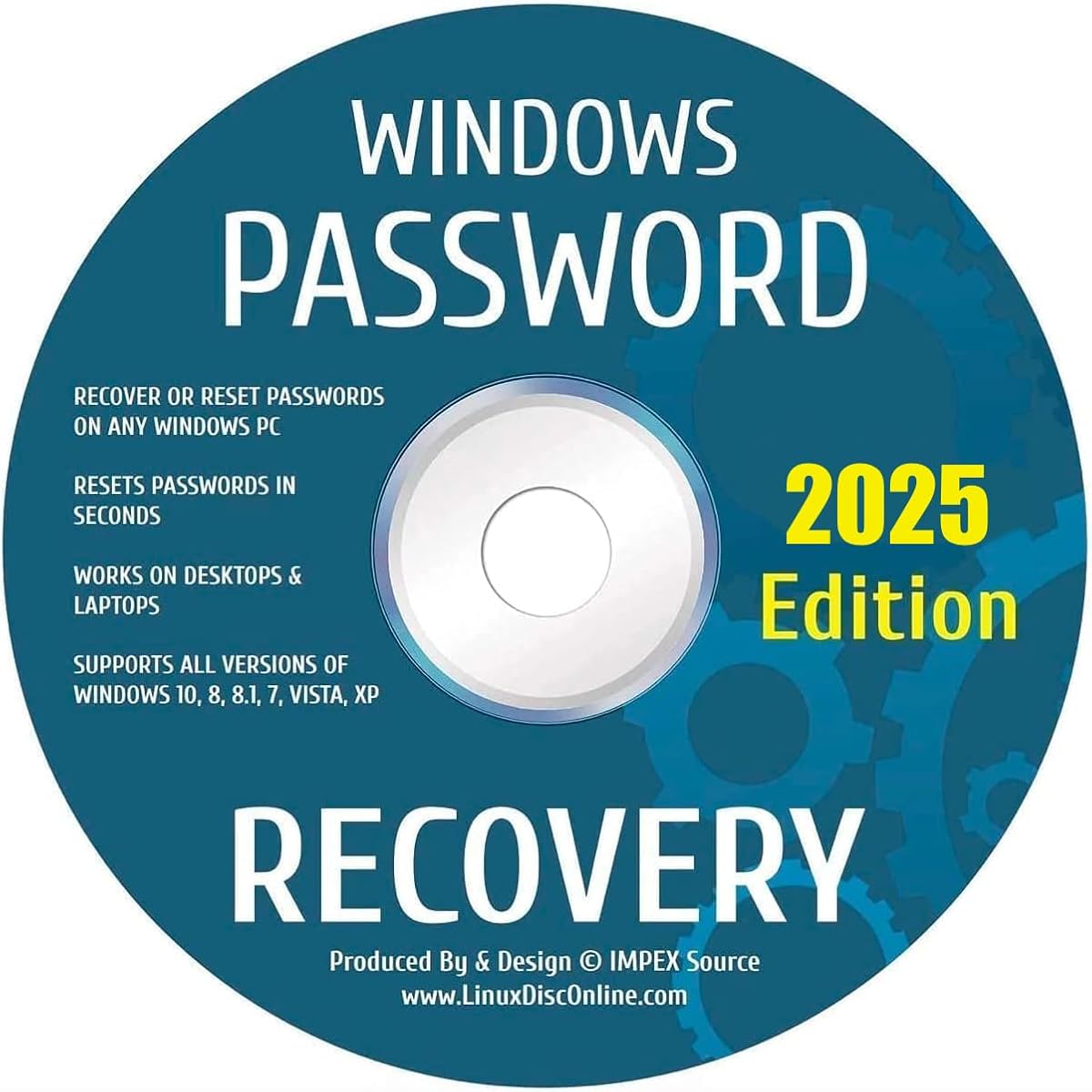
The Password Reset Recovery Disk is a physical CD/DVD-based utility for people who can boot a Windows PC but cannot remember the account password needed to reach their files. It carries a 3.4 rating and is designed around a simple objective: resetting a forgotten Windows password without immediately resorting to reinstalling the operating system. That distinction makes it a specialized recovery tool rather than a general-purpose undelete application.
We may earn a commission when you buy through this link, at no additional cost to you.
The strongest documented feature is its physical-media approach. Because the recovery environment arrives on a disc, the process does not depend on downloading an installer after the lockout has already occurred. The product information lists support for Windows 11, 10, 8.1, 8, 7, Vista, and XP, covering both laptops and desktops. Buyers are also told that the package includes a quick-start guide, reducing the amount of technical knowledge required for the initial setup.
There are important trade-offs. This is not a program for recovering a file deleted from the hard drive, nor is it a substitute for a backup system that can rebuild a failed installation. Its rating of 3.4 suggests that customer experiences vary, and compatibility claims should still be checked against the exact computer configuration. The product title itself emphasizes older Windows releases, while the description also mentions Windows 11, so users should verify the current package and instructions before relying on a particular version.
This disk is a sensible option for a home user, secondhand-PC buyer, or computer owner who needs a straightforward way past a forgotten Windows login. It is less appropriate for a business with formal account-management procedures or for anyone expecting comprehensive damaged-drive recovery. Overall, its appeal comes from delivering a focused, understandable solution on tangible media rather than bundling features the user may never need.
The product is specifically positioned as a way to regain access to existing files without reinstalling Windows. That is valuable when the user can still reach the login screen but has lost the password needed to enter it.
Delivering the utility on physical media removes one common source of frustration during a lockout. The included startup guide also gives users a defined path through what may otherwise be an intimidating boot-and-reset process.
We may earn a commission when you buy through this link, at no additional cost to you.
NTI Backup Now PRO 7 is a backup and restoration program for home users, small businesses, and IT professionals who want more than a simple file-copy utility. It receives a 2.5 rating, the lowest among the six products listed, but its documented feature set is broad. The program combines file-based backup, full drive imaging, cloud backup, and continuous backup into one package for one computer.
We may earn a commission when you buy through this link, at no additional cost to you.
File-based backup covers practical collections such as photographs, music, videos, documents, and email. Drive-based backup goes further, preserving the operating system, installed programs, data files, and computer settings so a system can be restored following a hard-drive crash. Continuous backup creates a mirrored destination copy and updates it whenever the source changes, which helps reduce the window in which recent work might otherwise remain unprotected.
The trade-offs are meaningful. Drive imaging can require substantial storage capacity, while scheduled and continuous operations add configuration considerations compared with a basic copy-and-paste workflow. The low rating also deserves attention because the product combines many features in a single interface, and the listing notes that users should obtain a free update to the newest available version for current RAID support. Compatibility should be checked against the intended Windows and server environment.
NTI Backup Now PRO 7 is most appropriate for someone who wants to prepare against future loss before a failure occurs. It suits users who need both individual-file protection and full-system restoration, particularly when off-site or cloud copies are important. It is less compelling for a quick one-time undelete job, and potential buyers should review recent customer feedback and confirm current system requirements before relying on it as their primary safeguard.
The program can protect selected files for routine use or capture an entire drive for more comprehensive restoration. This distinction lets users balance storage demands against the need to rebuild applications, settings, and system state.
Windows Azure cloud support adds an off-site layer, while continuous backup keeps the destination copy synchronized with active files. These options address different failure scenarios, from accidental deletion to larger hardware interruptions.
We may earn a commission when you buy through this link, at no additional cost to you.
TurboTax Premier 2024 is not a PC file recovery program. It is tax-preparation software with a 4.3 rating, and it appears in this comparison because it was included in the supplied product dataset. Its interface and capabilities are aimed at preparing federal and state returns, not retrieving deleted documents, resetting Windows passwords, repairing drives, or creating backups.
We may earn a commission when you buy through this link, at no additional cost to you.
The product may appeal to a user preparing a return involving stocks, bonds, mutual funds, employee stock, rental property, or trust assets. It offers step-by-step guidance, updated tax-law information, retirement savings help, document imports from participating companies, and an Audit Risk Meter. A live tax-advice option is also listed, with a separate fee applying.
Several limitations make it unsuitable as a recovery solution. The listing identifies this as an older version of TurboTax Desktop 2024, and Mac users need macOS Ventura 13 or Sonoma 14. State e-filing is sold separately, and the live advice feature adds another cost. Most importantly, none of the listed functions restore deleted files or protect storage from failure.
Readers seeking a password-reset disk, a deleted-file scanner, a drive-recovery application, a backup system, or a replication tool should skip this product for those purposes. It may be relevant only to a tax-preparation need, and even then buyers should verify whether the older desktop release satisfies their filing requirements.
The feature list focuses entirely on tax return preparation, guidance, document import, and audit-risk review. It provides no stated mechanism for recovering deleted files or restoring a failed drive.
The program is relevant when the central need is help with investments, rental property, employee stock, or trust-related tax situations. It should be evaluated as specialized tax software rather than a general PC maintenance solution.
We may earn a commission when you buy through this link, at no additional cost to you.
The Ezalink Password Reset Recovery USB is designed for a narrow but frustrating problem: a Windows user cannot log in because the password has been forgotten. It has a 3.9 rating, the strongest among the Windows password-recovery products in this list, and the product information presents a clear three-step process involving the USB, startup changes, and a software reset.
We may earn a commission when you buy through this link, at no additional cost to you.
The utility is compatible with Windows 11, 10, 8.1, 7, Vista, and XP, and the listing says it works with laptops and desktops from any brand as long as the computer has a USB port. It can reset both a user password and an administrator password. The package includes printed instructions and extra guidance, while the recovery environment is booted from the USB rather than relying on the Windows Password Reset Wizard.
The limitations are precise and should be considered before purchase. It does not reset a BIOS or BitLocker password. It also does not work with the Windows Password Reset Wizard because it uses a different boot-based process. A user may have to change firmware or startup settings to boot from the USB, which can be challenging if those settings are unfamiliar or inaccessible.
This USB is well suited to a home user or secondhand-PC owner who has a forgotten Windows login and needs to regain access without immediately rebuilding the operating system. It is not a deleted-file recovery tool, a disk-imaging solution, or a substitute for proper drive backups. The included instructions and support for multiple devices make it a more approachable option for anyone who values a tangible recovery medium.
Users insert the USB, change the computer to boot from it, and use the included software to reset the password. The defined sequence reduces uncertainty when a person cannot access the normal Windows desktop.
The product information states that the utility works when the hard drive is encrypted. That does not mean it can defeat every form of encryption, however, because it explicitly does not reset BitLocker passwords.
We may earn a commission when you buy through this link, at no additional cost to you.
Data Rescue 4 is a Mac file and hard-drive recovery program intended for deleted, damaged, lost, reformatted, or erased data. It has a 3.0 rating and distinguishes itself from password-reset utilities by focusing on storage recovery and reconstruction. The product information also identifies professional use by Apple, FBI, IT, and home users, although that description should not be interpreted as a claim made by the present guide.
We may earn a commission when you buy through this link, at no additional cost to you.
The recovery scope is broad. It can address files that were deleted or damaged, drives that have crashed, become corrupted, or no longer mount, and storage that has been reformatted or erased. That makes it relevant when the problem is data loss rather than a forgotten login. Free US-based technical support by phone or email adds a useful layer for users who may not know how to interpret drive conditions or recovery results.
The principal drawback is platform focus. The title and description identify it specifically for Mac use, so Windows buyers should verify compatibility before purchasing. The 3.0 rating also suggests mixed customer experiences, and successful recovery can depend on the exact failure, the condition of the drive, and how much time has passed since deletion. It does not provide password-reset capabilities, so it is the wrong choice for a locked Windows account.
Data Rescue 4 is best considered by Mac owners facing deleted-file or damaged-drive problems who want a dedicated recovery application and can access technical support. It is not a backup system, so the recovered data should be copied to a healthy destination immediately. Buyers should also consider data-imaging practices and stop writing to a failing drive whenever possible.
The program is designed to handle several storage conditions, including crashed, corrupted, non-mounting, reformatted, and erased drives. This wider scope makes it useful when a simple recently deleted file is not the only concern.
Phone and email support can help users explain symptoms and understand the recovery process. Support is particularly relevant when a drive is damaged or does not mount, rather than merely missing a recently deleted document.
We may earn a commission when you buy through this link, at no additional cost to you.
GS RichCopy 360 is an advanced data replication, mirroring, and synchronization suite. It carries a 4.5 rating, the highest among the listed products, and it is designed for users who need to keep data copied across different locations rather than recover files after deletion. The product is available as a download, making it a proactive data-protection option.
We may earn a commission when you buy through this link, at no additional cost to you.
The suite uses scalable multi-threading and can copy open or locked files, two important capabilities for active work environments. It can run as a service, repeat tasks on a schedule, send email notifications, and support long path names. These functions make it relevant to organizations that need dependable copying, mirroring, and synchronization without requiring every file to be closed each time a backup starts.
This is not a conventional recovery scanner. It does not claim in the supplied information to retrieve files after accidental deletion, reconstruct a physically failing drive, or bypass a Windows login. The advanced toolset also introduces more configuration and planning than a simple backup utility. Users should decide whether they genuinely need enterprise-grade replication features or whether a more basic product would be easier to operate.
GS RichCopy 360 is a strong choice for administrators, advanced home users, and businesses that prioritize keeping active data synchronized across destinations. Its high rating and documented support for open files, scheduling, and service operation make it the most polished replication option here. For true PC file recovery, however, it should be used as a preventive layer rather than mistaken for an undelete tool.
Mirroring and synchronization keep a second copy aligned with the source, reducing the risk that a single location contains the only usable version. This approach is strongest when applied before data loss occurs.
Multi-threading, the ability to copy open files, and service-based scheduling make the suite suitable for demanding environments. These capabilities favor organizations that value automation and operational control.
We may earn a commission when you buy through this link, at no additional cost to you.
The most important first step is identifying the type of failure you are facing. A forgotten Windows password, a deleted file, a damaged drive, and a missing backup each require a different category of solution, so feature fit matters more than a long checklist.
Begin by describing exactly what happened. If the computer starts normally but the account cannot be opened, a Windows password reset utility is relevant. If a document disappeared from a healthy drive, look for deleted-file recovery. A drive that no longer mounts or contains corrupted data calls for storage-recovery software, while a missing backup calls for backup and replication tools. Choosing by the symptom prevents spending time on features that cannot address the actual problem.
Confirm that the product supports the operating system, version, hardware architecture, and file system involved. The password tools in this list support numerous Windows releases, but their descriptions and package titles do not guarantee identical behavior across every version. Data Rescue 4 is identified as a Mac recovery program, while TurboTax has specific macOS requirements. Users should also verify whether a product supports the exact desktop or laptop model involved.
A program may recover one deleted document, reconstruct an entire drive, restore system settings, or merely reset a login credential. These outcomes are not equivalent. Password tools can regain access but do not repair damaged storage. Deleted-file tools may recover files but do not reset Windows accounts. Full backup software can restore a previous system state, while replication software keeps multiple current copies synchronized. Read the recovery scope closely.
For physical-drive problems, storage type and condition matter. Some products specialize in non-mounting, reformatted, or erased drives, while others are designed for healthy systems with missing files. A password utility normally requires a functional boot process and a USB port. A full imaging tool may require a separate drive large enough to hold the source image. Confirm that the target hardware and connection method are practical before committing.
If the goal is to prevent future loss, consider how many independent copies the program creates and where they are stored. Continuous backup, local drive images, cloud copies, mirroring, and synchronization each provide different protection. Local copies help with accidental deletion, off-site copies help with theft or site-level damage, and drive images help rebuild an entire system. More redundancy is not automatically better, but one copy on the same disk is not a dependable backup.
Recovery utilities are often needed when the user is already stressed or unfamiliar with boot settings. Printed instructions, a quick-start guide, and a clearly defined process can be as important as the underlying feature set. The Password Reset Recovery Disk and Ezalink USB both emphasize included guidance. For complex drive recovery, accessible phone or email support may also be valuable. Documentation should be understandable to the person who will actually perform the task.
Businesses and active users may want a tool that runs in the background, repeats on a schedule, sends notifications, and copies files while they remain open. Scheduled operation reduces the chance of forgotten manual backups. It also creates configuration decisions, such as when jobs should run, how conflicts are handled, and how much storage is required. A simpler tool may be preferable for a single personal computer and a small collection of documents.
Some products use a perpetual license, while others may include optional services or separate features such as tax advice, state filing, or live support. Check the current listing for activation instructions, edition restrictions, device limits, and included support. Also consider whether the software is a download, arrives on physical media, or requires an account. These details affect usability when a user is locked out or working without an internet connection.
Before using any recovery or backup utility, make a clear plan and preserve the original data whenever possible. For deleted files, stop writing new data to the affected drive and avoid installing more software onto it. For a drive with physical symptoms such as clicking, grinding, repeated errors, or failure to mount, disconnect it and seek appropriate technical assistance instead of repeatedly attempting scans that could worsen the condition.
For a Windows password reset tool, follow the supplied boot instructions carefully. Confirm that the USB or disc is recognized, that the correct startup option is selected, and that the recovery environment recognizes the intended Windows installation. Back up the password information or document the new credentials immediately after access is restored. If the system uses BitLocker or another encryption layer, verify its status before attempting changes.
For backup and replication software, begin with a test folder and a modest schedule. Run the first copy, open a few sample files, and confirm that the destination receives updated versions. Review logs, email notifications, and excluded folders before relying on the system. Keep recovery media in a safe, dry location, retain activation information, and periodically test that a backed-up file can actually be opened.
Usually, not directly. Password-reset programs regain access to the Windows account, while undelete and drive-recovery programs operate on storage. If a file is inaccessible because you cannot sign in, a compatible Windows password utility may be the relevant first step, provided the drive is healthy and the software supports the exact Windows version.
Yes. A file backup copies selected documents and media, while a full drive image preserves the operating system, installed programs, settings, and data as a recoverable unit. An image is especially useful for rebuilding a failed system, although it requires enough destination storage and takes more time than copying a small folder.
Some specialist programs are designed for non-mounting, corrupted, reformatted, or erased drives. Data Rescue 4 is listed for those situations, but the exact cause of the failure still matters. If the drive produces physical warning signs, avoid repeated write activity and consider professional support before attempting intensive recovery operations.
No. The Ezalink product states that it can work with an encrypted hard drive but explicitly cannot reset a BitLocker password. It also does not reset BIOS passwords. Users should check their security and firmware configuration before purchase, and they should not assume that an encryption key or administrator password can be bypassed by general login-reset media.
That depends on the product license and the edition purchased. NTI Backup Now PRO 7 is listed for one computer, so covering multiple machines generally requires additional licenses or another product. GS RichCopy 360 is a replication suite for advanced copying and synchronization, but its configuration and intended workload should be reviewed before treating it as a simple consumer backup.
It is usually better to avoid unnecessary repeated scans, particularly on a drive that is damaged or failing. Software may attempt to write temporary files or metadata, and a failing drive can decline with each additional operation. Work from a disk image or recovered copy when possible, and use one trusted program according to its instructions.
Cloud backup is valuable because it creates an off-site copy, but it does not automatically protect against every failure. A comprehensive setup may combine cloud or off-site file copies with continuous backup and a full drive image. The best combination depends on the importance of the files, available storage, acceptable recovery time, and how quickly the system must be operational again.
No. TurboTax Premier 2024 is specialized tax-preparation software for federal and state returns, investments, rental property, and related tax guidance. It does not provide a documented deleted-file recovery, drive restoration, password reset, backup, or replication function, so it should not be considered a PC recovery program.
The three leading choices serve different needs. GS RichCopy 360 is the strongest advanced replication and synchronization option, with a 4.5 rating and capabilities for open files, scheduling, and background operation. The Ezalink Password Reset Recovery USB is the most approachable choice for a forgotten Windows login, while the Password Reset Recovery Disk offers a similar specialized function on physical media at a more budget-oriented position.
For genuine deleted-file or damaged-drive recovery, Data Rescue 4 is the relevant option in this group because it targets lost, corrupted, reformatted, and non-mounting storage. NTI Backup Now PRO 7 is prevention-oriented, combining file, drive, cloud, and continuous backup methods. Prioritize the category that matches the failure, then verify operating-system support, documentation, and destination-storage requirements.
Before making a purchase, check the current listing for edition details, activation instructions, support terms, and compatibility information. Prices and availability can change, and ratings may evolve as more customers submit feedback. Most importantly, avoid installing software on storage that contains irreplaceable data until you have made a separate copy or image of the affected drive.