
GIGASTONE 128GB 4K Camera Pro
4.6Editor score
Up to 50 MB/s writes
U3 and V30 ratings
A2 app performance class
Five-year recovery service
Our guide compares the best microSD card for GoPro Max2 8K recording, including capacity, speed class, durability, and reader bundles.
Choosing a microSD card for GoPro Max2 8K recording requires more than simply finding enough storage. High-resolution video places demanding sustained-write requirements on the card, while the camera, battery, weather, and editing workflow all affect practical performance. The strongest choices combine sufficient capacity with V30 or U3 ratings, dependable sustained write speeds, and ruggedness suited to active outdoor use.
We compared ten microSD cards using the specifications and product information supplied for this guide. The list includes 128GB, 256GB, 512GB, and 1TB options from SanDisk, GIGASTONE, and Insta360, along with bundles that include adapters or readers. The comparison considers speed claims, video class ratings, capacity, durability, device compatibility, and convenience rather than ranking on appearance alone.
Each review explains where a particular card fits best, including the compromises that may matter to GoPro owners. The strongest general-purpose option balances capacity and performance, while smaller cards can suit shorter shoots and larger cards reduce card changes. Product specifications and availability can change, so readers should confirm the current camera requirements, card format, and listing details before purchasing.
4.6Editor score

4.7Editor score
4.7Editor score
This side-by-side overview compares the ten cards by capacity, stated performance, video class ratings, and practical extras. It is designed to make it easier to narrow the field according to recording duration, transfer speed, durability, and bundled accessories.


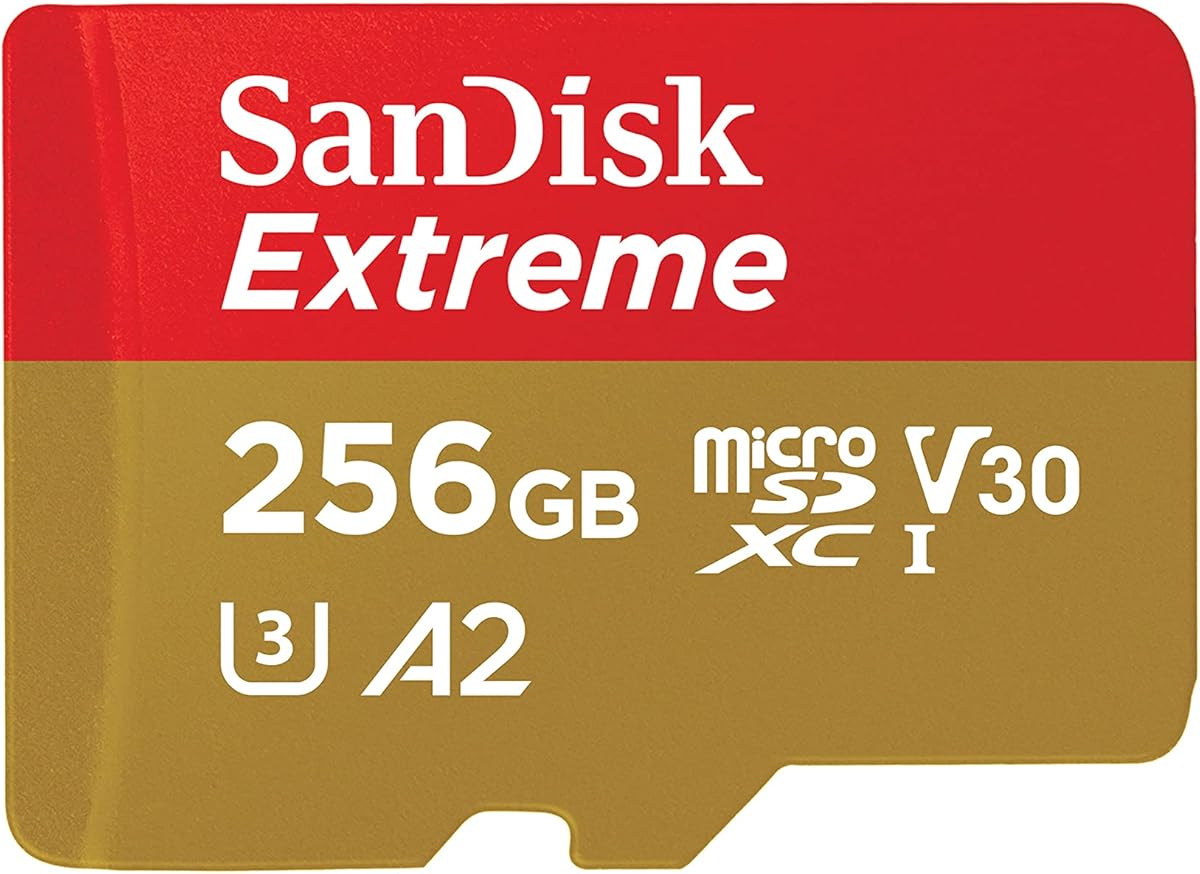


The SanDisk 256GB Extreme is a strong all-around choice for owners who want more headroom than a 128GB card without committing to a 512GB or 1TB model. It carries a 4.7 rating and combines U3 and V30 video speed classes with advertised read speeds up to 245MB/s and write speeds up to 170MB/s. Those are attractive figures for a camera workflow that includes large 8K files and regular offloading.
We may earn a commission when you buy through this link, at no additional cost to you.
Capacity is the central reason this card stands out. A 256GB card provides room for a substantial collection of 360-degree clips, photos, and audio without becoming as unwieldy or expensive as the largest options in the guide. The included adapter makes it convenient to move files into cameras, laptops, and other devices that accept full-size SD cards, while the Memory Zone app can assist with backups, organization, and transfers.
The durability specification is also reassuring for an action camera. The product information describes resistance to temperature, humidity, water, shock, drops, magnets, X-rays, and wear-out. These claims are not a substitute for sensible card handling, but they make the card a sensible match for travel, sports, dusty environments, and trips where a spare card is more practical than a delicate setup.
This is the recommendation for most GoPro Max2 owners who want a balanced card. It provides a meaningful capacity cushion and exceptional stated transfer performance without taking the storage leap to 512GB or 1TB. Buyers should still confirm that the camera supports the required microSD format and card class, and they should format the card in the camera before important recording sessions.
A card's maximum read speed helps with offloading, but sustained write performance is more important while the camera is recording. This card's advertised write speed of up to 170MB/s and V30 rating give it a favorable foundation for continuous high-resolution capture, although real results depend on the camera, host interface, and file characteristics.
The 256GB capacity is a practical middle ground for owners who regularly shoot in 8K. It leaves room for a significant number of files while remaining easier to manage as a working card than a much larger capacity, and the included adapter improves transfer flexibility.
We may earn a commission when you buy through this link, at no additional cost to you.
This 256GB SanDisk Extreme UHS-I card combines a 4.8 rating with a well-established profile for action cameras, drones, and other demanding devices. Its U3 and V30 ratings are the most important attributes for video, while the advertised maximum read and write speeds of 190MB/s and 130MB/s provide a useful performance ceiling for transfers and recording.
We may earn a commission when you buy through this link, at no additional cost to you.
SanDisk QuickFlow Technology is designed to optimize media offloads on compatible devices. That can be valuable for creators who want to move several large 8K clips from a card reader to a computer without waiting unnecessarily. The optional SanDisk Professional PRO-READER is sold separately, so buyers should account for the need for compatible transfer hardware if they want to exploit the card's full advertised read speed.
The card also offers A2 application performance, which is more relevant to smartphones and tablets than to direct camera recording, but it broadens the usefulness of a shared card. Durability specifications include shockproof, temperature-proof, waterproof, and X-ray-proof protection. Those traits are useful for a camera used in rain, dust, travel, and high-motion environments.
Among the 256GB options, this is a particularly well-rounded recommendation for users who value a high customer rating and familiar Extreme-series characteristics. It may not have the newest headline read speed, but 130MB/s write capability and the correct video classes are more relevant during capture. It is a strong alternative when the newest SanDisk model is unavailable or when the user already owns compatible SanDisk equipment.
QuickFlow can improve the post-capture stage when the card is used with compatible readers and host systems. It does not increase the camera's recording quality, but it can reduce waiting time while large video files are transferred and organized.
U3 and V30 indicate the card is designed for sustained real-time video recording. Those ratings are more informative than read-speed headlines when deciding whether a card is appropriate for high-resolution action-camera footage.
We may earn a commission when you buy through this link, at no additional cost to you.
The GIGASTONE 128GB card is the value-oriented entry in this comparison. It has a 4.6 rating and advertises read and write speeds up to 100MB/s and 50MB/s, respectively. More importantly for video, it carries U3, V30, A2, and C10 markings, giving users the expected class framework for sustained recording and faster application access on compatible devices.
We may earn a commission when you buy through this link, at no additional cost to you.
At 128GB, it is best suited to creators who shoot in manageable blocks, transfer files frequently, or want a lower-impact purchase for shorter sessions. High-resolution 8K footage can fill even a relatively compact card quickly, so users who routinely record for long periods should treat capacity as a likely constraint. Buying more than one card can provide a practical rotation system without moving to a 512GB or 1TB model.
The product information highlights a five-year limited warranty that includes free data recovery, with a stated start date for the relevant series. That support is useful, though it should be understood within its own terms rather than treated as a guarantee against every type of storage failure. The card can also expand compatible smartphone and tablet storage and supports 4K video and gaming use cases.
This is the sensible pick for a buyer who wants the required video classes and a card marketed for GoPro use without moving to the largest capacity options. Its stated 50MB/s write speed is the main limitation, making it less attractive for users prioritizing maximum headroom. For shorter recordings and regular backups, however, it provides a balanced and economical way to begin.
A 128GB card can be paired with a second card of the same or a larger size, allowing footage to be offloaded and backed up before the next session. This approach can be more convenient than carrying one very large card when reliability and workflow matter more than having every file on one device.
The advertised five-year recovery service adds value for buyers who want support beyond the basic card. Review the provider's terms and eligibility details at purchase, and maintain separate backups of irreplaceable footage regardless.
We may earn a commission when you buy through this link, at no additional cost to you.
The GIGASTONE 256GB 4K Camera Pro offers a useful middle ground for GoPro users who prioritize capacity and broad compatibility over the highest transfer figures. It carries a 4.7 rating, U3 and V30 ratings, A2 application performance, and stated read and write speeds up to 100MB/s and 60MB/s. An adapter is included for devices with a full-size SD slot.
We may earn a commission when you buy through this link, at no additional cost to you.
Its compatibility list covers action cameras, GoPro devices, drones, smartphones, tablets, PCs, cameras, DSLRs, dash cams, camcorders, surveillance devices, e-readers, and game consoles. That broad support makes the card useful beyond a single camera body. The same 256GB capacity also gives creators more room for photos, audio, and mixed-resolution clips than the smaller GIGASTONE option in this guide.
The card is advertised for 4K UHD recording, and its V30 and U3 classes provide the relevant baseline for video capture. Actual 8K behavior still depends on the camera's accepted media requirements, file format, bitrate, and the card's sustained performance throughout a recording. The stated 60MB/s write speed is adequate for many action-camera workflows, but it does not match the headline write speeds of the newer SanDisk Extreme models.
Choose this card if a 256GB working capacity and included adapter are important, especially if the intended equipment list extends beyond the GoPro Max2. It is less compelling for a creator whose main priority is the fastest offloading workflow, but the warranty and free data-recovery offer add useful support. As with every card, regular file backups remain essential.
The wide compatibility list makes this card a flexible option for users who also shoot with drones, conventional cameras, or mobile devices. The A2 rating can improve app-loading performance on compatible hosts, although the GoPro itself benefits mainly from storage and recording performance.
A card cannot deliver its maximum read speed through every card reader or computer. Using compatible UHS-I hardware helps avoid the reader becoming the bottleneck during large offloads.
We may earn a commission when you buy through this link, at no additional cost to you.
This bundle stands apart because it combines a 128GB SanDisk Extreme Pro card with a microSD and SD reader. The explicit compatibility with GoPro Max 2 makes it especially easy to recommend, while the 4.8 rating supports its position as a well-received accessory package. The card has V30 and A2 ratings and advertised read speeds up to 190MB/s.
We may earn a commission when you buy through this link, at no additional cost to you.
The included reader is the feature that can make a real workflow difference. New camera owners often need to purchase a separate reader before they can move files to a computer, and this package removes that initial step. It can also be useful for owners who want a simple, dedicated route for transferring 4K UHD videos and high-resolution photos from the camera to a laptop or desktop.
The main limitation is capacity. Eight-kilobyte-per-second recording, or more simply 8K video with a high bitrate, can generate large files quickly, so 128GB is best treated as a working card rather than an archival solution. The product information does not state a maximum write speed, which makes it less transparent than options that publish both read and write figures.
This is a strong choice for a first GoPro Max 2 setup or for users who value a ready-to-use reader bundle. It combines familiar SanDisk branding, explicit camera compatibility, and a 4.8 rating. It is less suitable for long expeditions where a single card must hold an entire shoot, but the included reader improves the value and convenience of the package.
Many buyers begin with a camera and one card but no compatible reader. This bundle supplies both the storage and a transfer accessory, making it a convenient way to complete a basic recording kit before a trip.
Because 128GB is modest for 8K capture, using this card as one part of a rotation is sensible. Move completed files to two separate locations, format the card in the camera, and keep it available for the next session.
We may earn a commission when you buy through this link, at no additional cost to you.
The 256GB SanDisk Extreme with up to 190MB/s read speed is a well-rounded card for creators who want reliable video classes and quick offloading. Its 4.8 rating, U3 and V30 certification, and advertised write speed of up to 130MB/s make it a natural fit for action cameras, drones, and other high-output devices.
We may earn a commission when you buy through this link, at no additional cost to you.
QuickFlow Technology can improve offload performance on compatible systems, and the product information notes that the SanDisk Professional PRO-READER can be paired with the card to reach maximum speeds. That reader is not included, which means buyers seeking the fastest workflow need to budget for the appropriate accessory. The included full-size SD adapter is still useful for compatible cameras and devices.
A2 performance is another advantage, particularly for app-heavy use on compatible Android devices. The card is described as 4K and 5K UHD ready, and the sustained V30 rating is more directly relevant to uninterrupted video than peak read speed. The listing also notes Nintendo Switch compatibility while explicitly excluding Nintendo Switch 2.
This card is a strong option when a proven 256GB capacity and dependable 130MB/s write figure align with the user's workflow. It is not the fastest reader in the roundup, but the difference may not matter unless the user regularly moves very large files through compatible high-speed hardware. For most GoPro Max2 owners, it offers a compelling balance of capacity, class support, and transfer convenience.
QuickFlow is a conditional performance feature rather than a universal guarantee. It requires a compatible host device and interface, so the included adapter or a basic reader may not reproduce the highest advertised offload result.
For camera use, U3 and V30 classes and adequate write performance deserve more attention than maximum read speed. This card's 130MB/s write claim gives it useful headroom for demanding recording while retaining a familiar 256GB capacity.
We may earn a commission when you buy through this link, at no additional cost to you.
The 128GB SanDisk Extreme offers a compact combination of high stated read speed and respectable write performance. It has a 4.8 rating, U3 and V30 video ratings, read speeds up to 190MB/s, and write speeds up to 90MB/s. An adapter is included, and QuickFlow Technology is available for this capacity on compatible devices.
We may earn a commission when you buy through this link, at no additional cost to you.
Compared with the 256GB version in the guide, this card saves space and may be easier to manage as a dedicated working card. It also provides more stated write speed than the 128GB GIGASTONE option, making it attractive to users who want the SanDisk ecosystem and strong transfer performance without purchasing the largest capacity.
As with the 256GB model, pairing the card with the SanDisk Professional PRO-READER can help reach maximum transfer speeds, although that reader is sold separately. The card is also rated A2 for compatible application use and is described as suitable for 4K and 5K UHD recording with a compatible device. Actual 8K support remains tied to the camera's requirements and file configuration.
This is a good option for short action-camera sessions, travel days, and creators who prefer frequent backups over maximum capacity. A 128GB card can fill quickly with 8K footage, so buyers should be comfortable changing cards or offloading midway through a shoot. For those workflows, the 90MB/s write claim and 4.8 rating make it a compelling compact card.
Using a smaller card can encourage regular offloading and create natural backup checkpoints. After copying files, verify them at the destination and format the card in the camera before reusing it.
The card's 190MB/s maximum read figure depends on a compatible device. A UHS-I reader connected through a slow USB interface may deliver much lower practical transfer rates, so the entire workflow matters.
We may earn a commission when you buy through this link, at no additional cost to you.
The 512GB SanDisk Extreme is one of the most convincing choices for high-resolution action-camera work because it combines substantial capacity with the highest stated read speed in this guide. Its 4.7 rating, 245MB/s maximum reads, 170MB/s maximum writes, and U3 and V30 classes give it a strong profile for both recording and offloading.
We may earn a commission when you buy through this link, at no additional cost to you.
A 512GB card reduces the need to change media during a long trip, event, or production day. That convenience is particularly valuable at high resolutions, where large files can consume a smaller card quickly. The card is also marketed for action cameras, drones, and Android devices, giving it flexibility for creators who move between equipment types.
Durability is a major strength in the supplied specifications. The card is described as temperature-proof, humidity-proof, waterproof, shock-proof, drop-proof, magnet-proof, X-ray-proof, and wear-out-proof. As always, those features do not eliminate the need for proper handling, but they add confidence for demanding travel and sports environments.
This is the top recommendation for users who want large capacity without dropping to a 1TB card. The 512GB model balances storage, portability, and the newest SanDisk performance claims. Its disadvantages are the greater expense and bulk associated with a large card and the fact that peak read and write figures require compatible hardware. For a creator making frequent 8K recordings, those trade-offs are generally worthwhile.
The principal benefit is uninterrupted workflow. A 512GB card can hold a much larger body of 8K footage, reducing card swaps in locations where changing media is inconvenient and helping preserve a continuous capture session.
The 245MB/s read and 170MB/s write claims support both capture and offloading. Compatible readers and host interfaces are still necessary, but this card is well suited to users who want more than a basic camera card.
We may earn a commission when you buy through this link, at no additional cost to you.
The Insta360 256GB PRO is a credible option for 360-degree and action-camera workflows. It has a 4.8 rating, V30 and A2 ratings, and stated read and write speeds of up to 90MB/s. Its compact dimensions of 15 by 11 by 1mm also make it physically unobtrusive inside compatible cameras.
We may earn a commission when you buy through this link, at no additional cost to you.
The equal 90MB/s read and write claims offer a clear performance profile. Although they are lower than the headline figures of the newest SanDisk Extreme cards, they are more than adequate for many high-resolution recording and file-transfer situations. V30 is the key video specification, as it identifies a minimum sustained sequential write rate of 30MB/s under the relevant class standard.
The card's operating temperature range is listed as -25°C to 85°C, and the product information states that it can endure 3,000 erase cycles. These are useful specifications for buyers who want more than a headline speed. However, unlike the leading SanDisk options in the guide, the supplied information does not make extensive waterproof, shock, or X-ray claims, so users should still protect it carefully.
Choose the Insta360 PRO when 256GB capacity, a 4.8 rating, and a clear 90MB/s speed target are the priorities. It is a sensible alternative for creators who use 360 cameras or want a card with balanced read and write specifications. It may not be the first choice for users who want the fastest offloading available, but it remains a practical, class-compliant option for GoPro Max2 recording when compatibility is confirmed.
The matching 90MB/s read and write claims make performance easier to compare. Users can select a reader capable of supporting that level rather than relying only on a card's maximum read figure, which may not translate into a faster recording experience.
The Insta360 branding and 256GB capacity make the card relevant to immersive-content creators. Its general specifications also suit compatible action cameras, provided the camera's media requirements and file format are supported.
We may earn a commission when you buy through this link, at no additional cost to you.
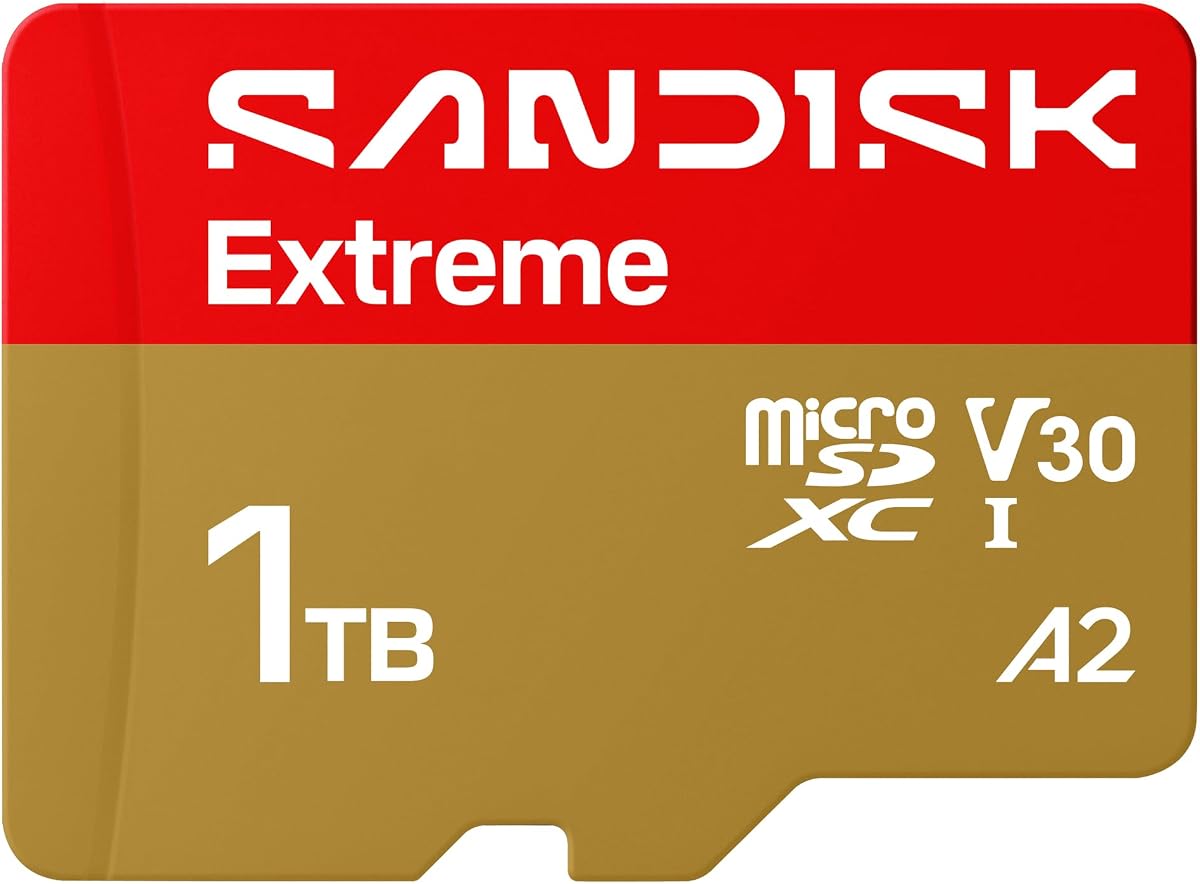
The 1TB SanDisk Extreme is the premium capacity option in this guide. It carries a 4.7 rating and combines one terabyte of storage with advertised read speeds up to 245MB/s and write speeds up to 170MB/s. The U3 and V30 ratings support real-time video capture, while the large capacity can dramatically reduce card changes during extended 8K recording.
We may earn a commission when you buy through this link, at no additional cost to you.
The main appeal is convenience for long expeditions, events, and multi-day production schedules. Instead of carrying several smaller cards, a creator can use one high-capacity card and still have substantial room for photos, audio, and multiple video formats. It can also be paired with other equipment such as drones and Android devices when their media requirements are compatible.
The supplied specifications list extensive protection against temperature, humidity, water, shock, drops, magnets, X-rays, and wear-out. SanDisk Memory Zone support for organization, backup, and transfer adds another workflow layer, although users should still maintain backups outside the card. As with the other high-performance SanDisk products, actual transfer speed varies with the reader, host interface, usage conditions, and file attributes.
This card is best for a user who is certain that one-terabyte capacity will be used and values minimal card swapping. It is the premium recommendation in this roundup, offering a generous combination of capacity and speed. Buyers who only need occasional 8K clips may get better value from 256GB or 512GB, while heavy users who can exploit the full capacity will benefit most from the 1TB format.
A 1TB capacity is particularly helpful for creators who spend a full day or multiple days away from a convenient backup setup. It provides a large recording buffer, although responsible data management is still necessary because no single card should be the only location for irreplaceable footage.
The card's 245MB/s read claim needs compatible transfer equipment. Pairing it with a capable UHS-I reader and a host connection that supports the required throughput helps users realize the practical benefit of the advertised performance.
We may earn a commission when you buy through this link, at no additional cost to you.
The right card balances media compatibility, sustained video performance, capacity, and durability. For GoPro Max2 8K recording, the key is to look beyond a headline read speed and focus on the camera's accepted card class, format, bitrate, and expected recording duration.
Choose only a card explicitly supported by the camera and the intended recording format. If the listing or manual is unclear, contact the camera or card manufacturer before purchase.
Prioritize U3 and V30 for recording, then use maximum write speed as a measure of potential headroom. Do not choose a card solely because of its peak read figure.
Estimate footage duration from file size, then add room for safety. Frequent shooters may prefer 256GB or 512GB, while 1TB suits extended production days.
For fast editing and fewer waits, consider both the card's read claim and the reader's capability. A fast card cannot overcome an incompatible reader.
Favor cards with clear environmental and endurance claims for outdoor use. Even then, protect the card, keep it in its case, and keep backups.
Choose an included reader or adapter when convenience matters, but check interface speed and device fit. Do not assume every bundled accessory supports maximum transfer rates.
Read recovery terms before buying, but maintain two backup copies regardless. Verify each transfer before formatting the card.
Match the card to real shooting patterns rather than buying the largest headline specification. Correct class, usable capacity, and dependable backups matter most.
Begin by confirming that the card is fully compatible with the GoPro Max2, then format it in the camera before its first important recording session. Use the camera's own formatting function rather than relying on a computer format, and avoid interrupting the process. Check the card's available space and recording status before leaving for a shoot, especially when using a smaller capacity or planning to capture long 8K sequences.
During recording, let the camera complete its normal operations and avoid removing the card while footage is being written or the device is accessing files. Treat the card as a working storage device rather than permanent storage. After the shoot, move the footage to a computer using a compatible reader, wait for the transfer to finish, and verify that the files open correctly. Copy the footage to a second location before formatting the card for reuse.
Store cards in a protective case away from extreme heat, direct sunlight, moisture, and physical impact. Do not bend, crush, or open the card, and avoid using it in devices that do not support its format or capacity. Retire cards that show read errors, corrupted files, recording prompts, or unusual drops in free capacity, and replace them with a suitably rated card. Even rugged cards can fail, so redundancy remains the most reliable protection for important footage.
The camera should be used with a card that appears in its official supported-media list and meets the stated capacity and video-class requirements. U3 and V30 are useful indicators for sustained video, but they do not independently guarantee support for every 8K mode. Check the GoPro Max2 manual and the card listing before recording an important event.
Read speed mainly affects how quickly files can be copied to a computer, while write speed and video class have a more direct relationship with recording. A faster card can still improve the offloading stage, but the reader, USB interface, host device, and file sizes also determine practical transfer performance. For recording alone, prioritize compatible capacity and the required sustained-write class.
The amount varies with resolution, frame rate, codec, bitrate, and the camera's file handling. Because 8K files are generally large, a 128GB card may fill quickly and require frequent offloading, while 512GB or 1TB cards reduce card changes. Check the camera's recording-time estimates and monitor capacity during the first test shoot.
It may be possible if both devices support the card's format and capacity, but cards are often formatted differently by each device. Formatting in one device can make files less accessible in another, and removing a card during an active app operation can cause problems. Keep separate cards for the camera and phone when convenient to reduce workflow conflicts.
Formatting in the GoPro Max2 is generally the safest initial approach because the camera prepares the card using its supported system and media requirements. If a card later becomes unrecognized or appears damaged, a computer format may help diagnose compatibility issues, but it does not repair physical or logical failures. Back up important files before formatting through any method.
No. Maximum speed claims are generally based on controlled testing and can vary with the camera, card reader, interface, host device, usage conditions, and file attributes. The video speed class is a more useful indicator of minimum sustained performance during recording, while the camera's own media requirements remain decisive.
Larger cards are better when long recording sessions require fewer card changes, but they are not inherently better for every user. A 256GB card is easier to manage and may be sufficient for frequent backups and shorter shoots. Choose 512GB or 1TB when the available recording time, storage needs, and budget support that additional capacity.
Stop recording, avoid repeatedly reinserting or formatting the card, and check whether the camera or computer can still read it. Copy recoverable files immediately if possible, then replace the card with one that meets the camera's requirements. If a card fails repeatedly, do not rely on it for important footage even if recovery software later retrieves the files.
The SanDisk 256GB and 512GB Extreme cards provide the strongest general balance of capacity, video class support, and stated performance. The 512GB model is the leading high-capacity recommendation, while the 256GB versions suit users who prefer a more manageable card or want faster offloading potential without the largest storage commitment.
Buyers on a tighter budget can consider the 128GB GIGASTONE for short sessions and regular transfers, while the bundled SanDisk 128GB Extreme Pro is convenient for new owners who also need a reader. The Insta360 256GB PRO offers a clear 90MB/s profile, and the 1TB SanDisk Extreme is the premium choice for extended high-resolution production. Prioritize confirmed camera compatibility, the required video class, realistic capacity, and a backup routine over headline figures alone.
Product specifications, ratings, and availability can change over time, so check the current listing and the camera's official media requirements before purchasing. Once the card arrives, format it in the GoPro Max2, confirm that recording and offloading work correctly, and protect the card with a case. Keep at least one additional copy of irreplaceable footage because even a highly rated card should never be the only storage location.